 Documentation
Reference · English
Opening Wiren Board 7.4
These instructions apply to Wiren Board 7.4. Choose another controller version.
Tools
A flat-blade screwdriver is required.
Disassembly
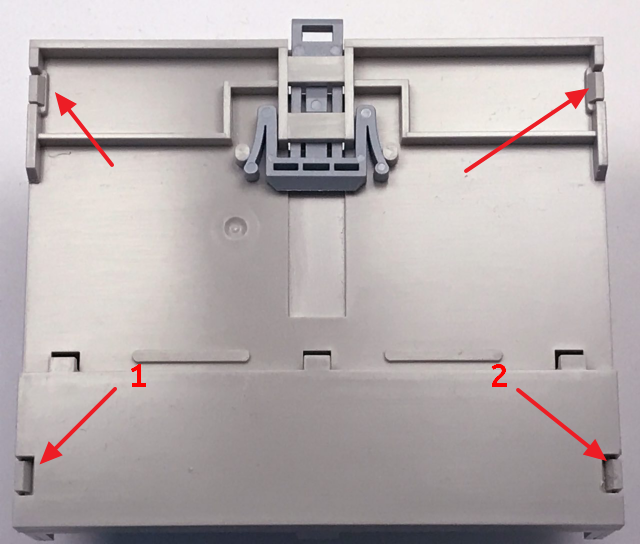
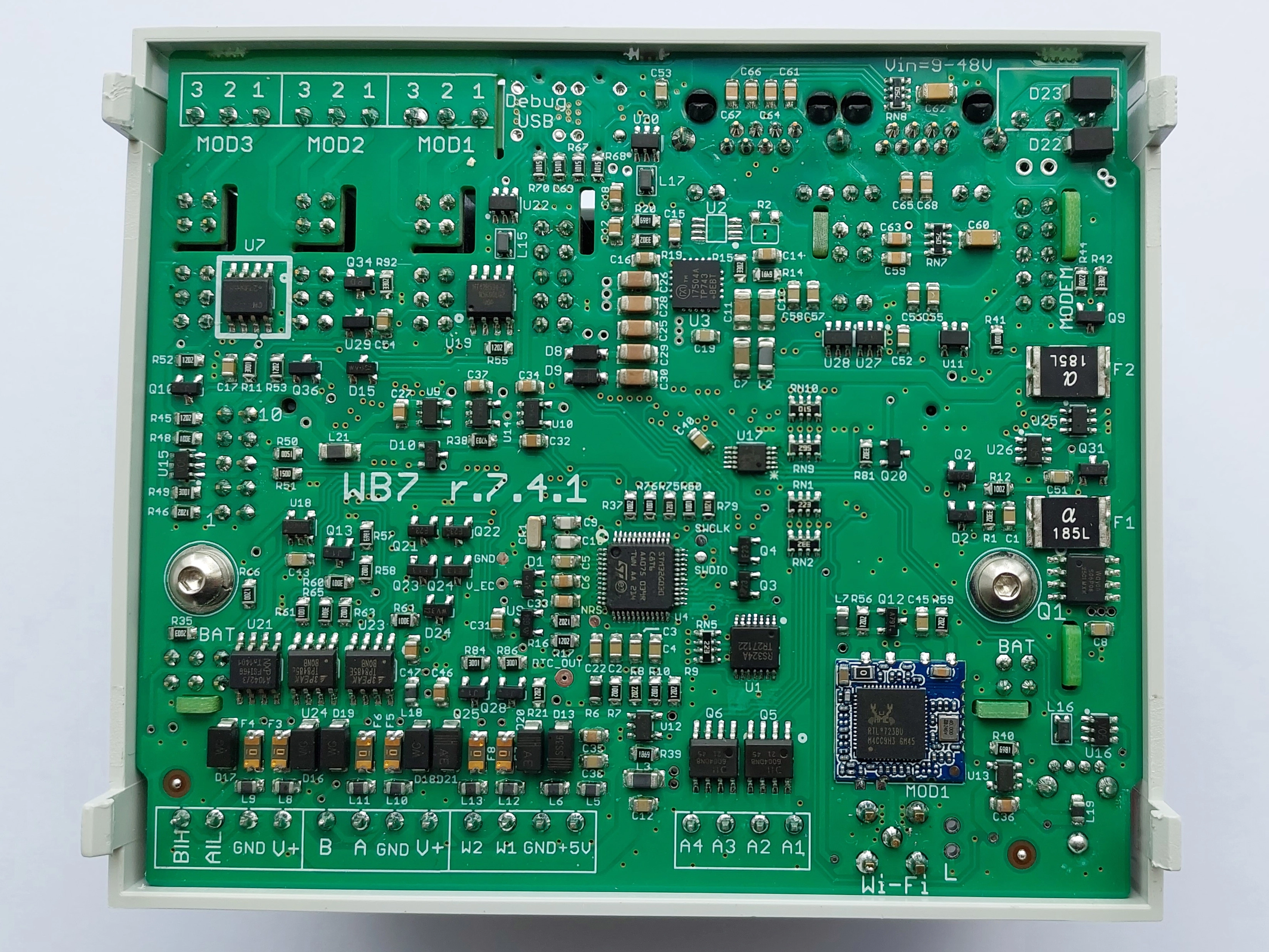
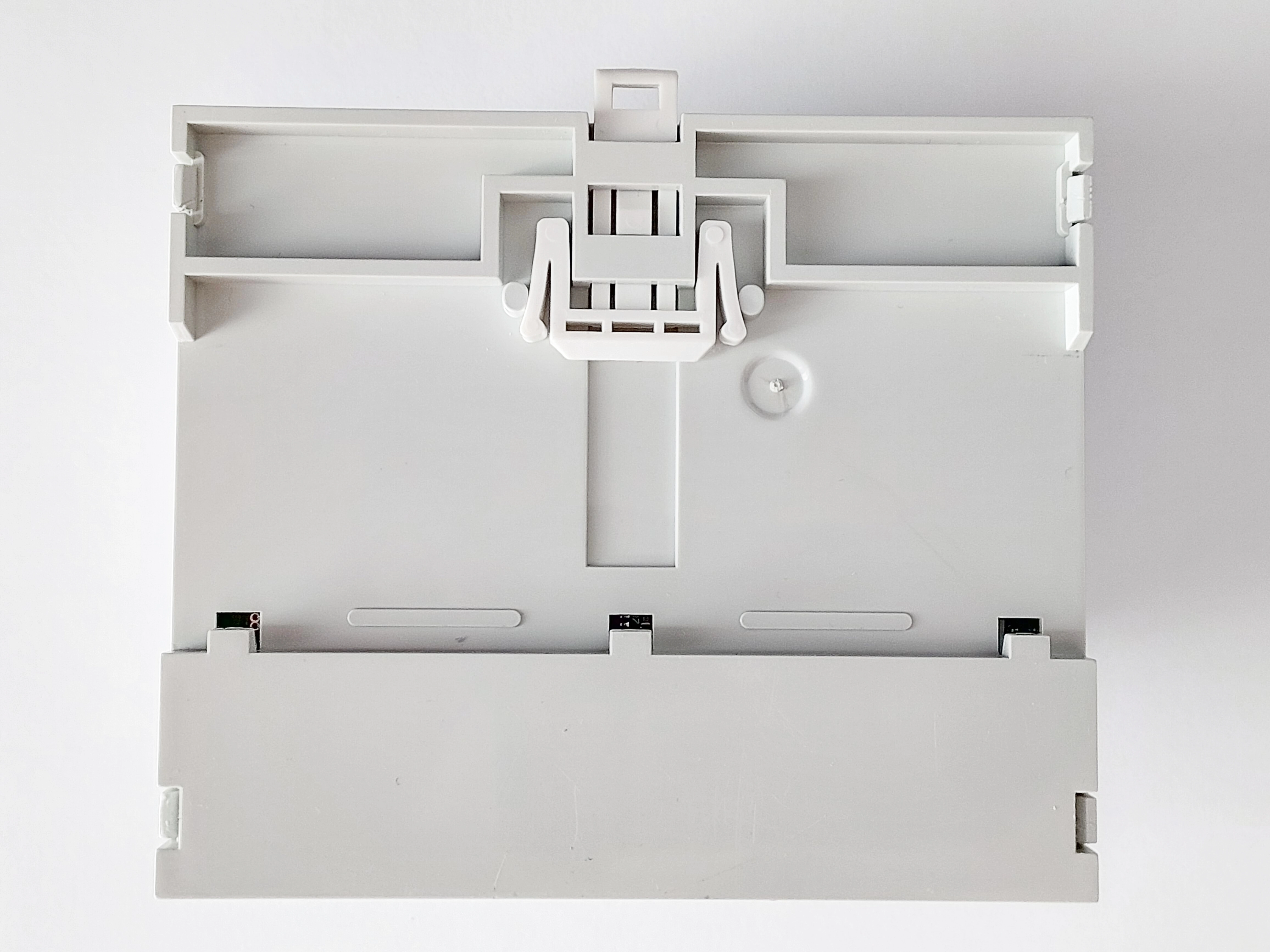
Remove the rear cover, held by four clips, then remove the controller PCB from the enclosure.
- Place the controller with its rear cover facing up.
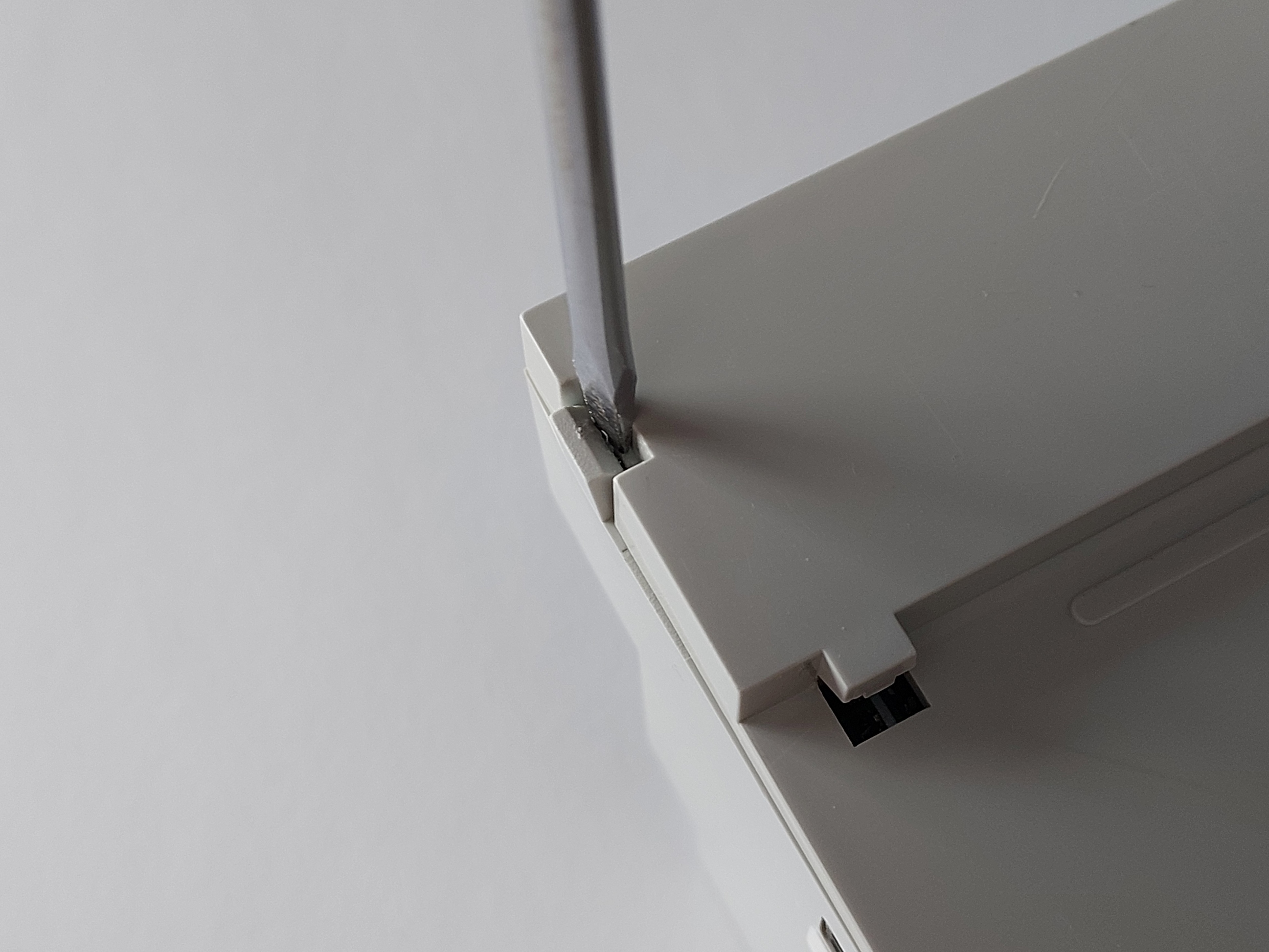
- Insert the screwdriver between a clip and the base. Gently twist to release the clip and lift the rear cover. Repeat for the other clips.
- Release the remaining clips with the screwdriver and remove the cover.
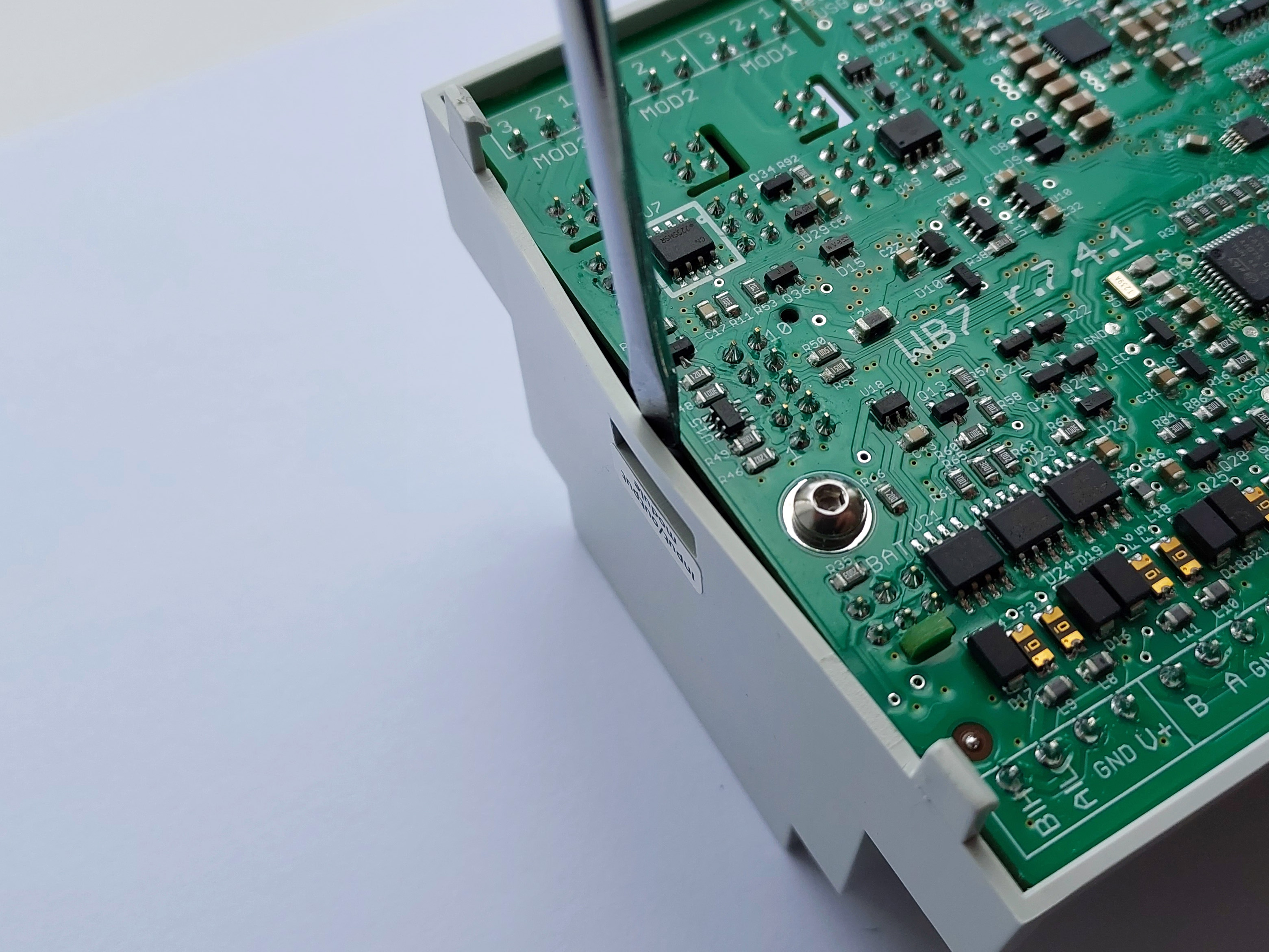
- Gently flex the enclosure side wall near the external-module connector and push the PCB out. Do not use excessive force, which could damage the connector or board components. Removing the pluggable terminal blocks makes extraction easier.
Reassembly
Reassemble in reverse order:
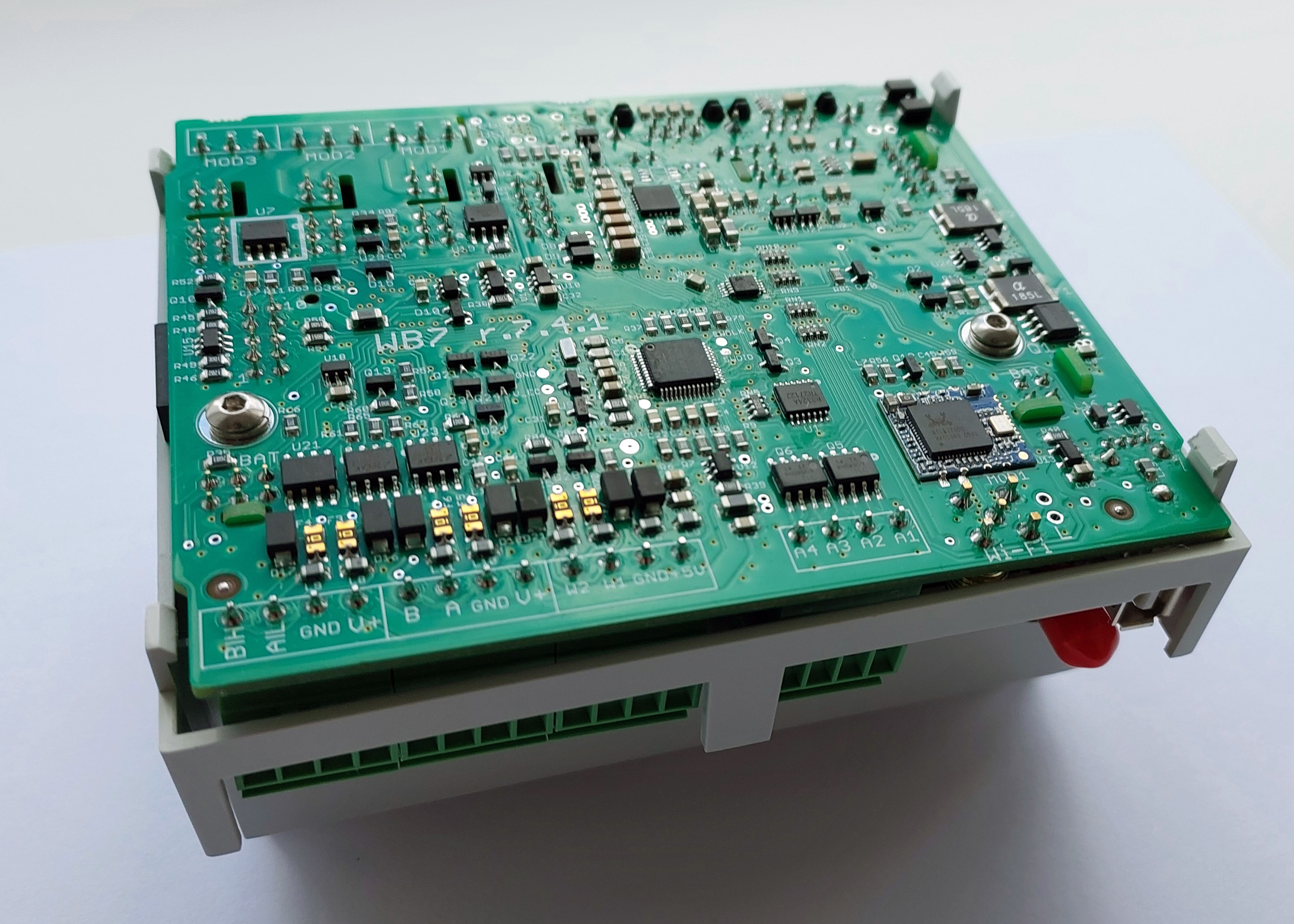
- Place the controller PCB in the enclosure.
- Gently flex the side wall near the side-module connector. Press the PCB lightly into the enclosure until the connector enters the opening.
- Fit the rear cover. Its clips should click into place.
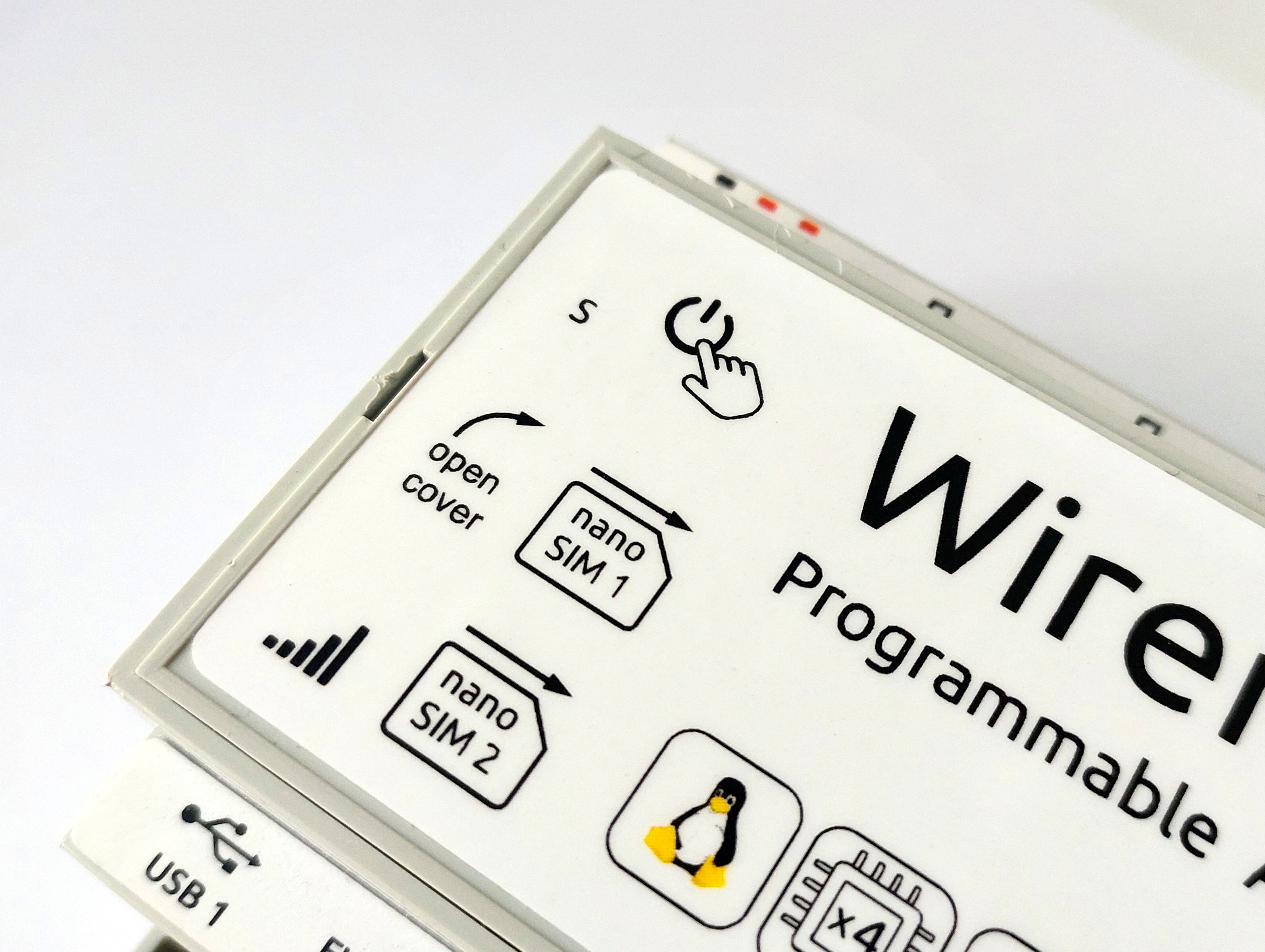
Removing and installing the top cover
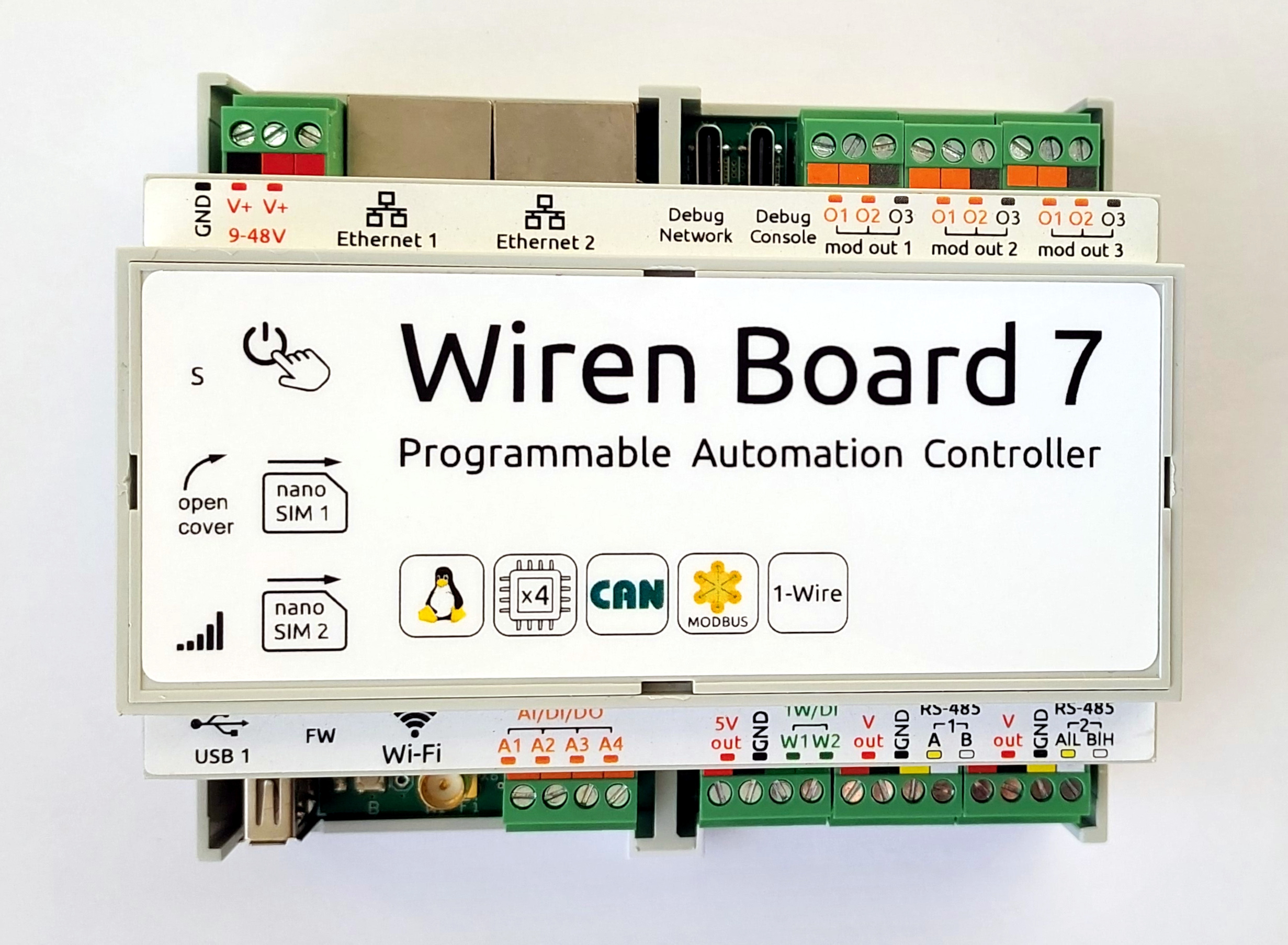
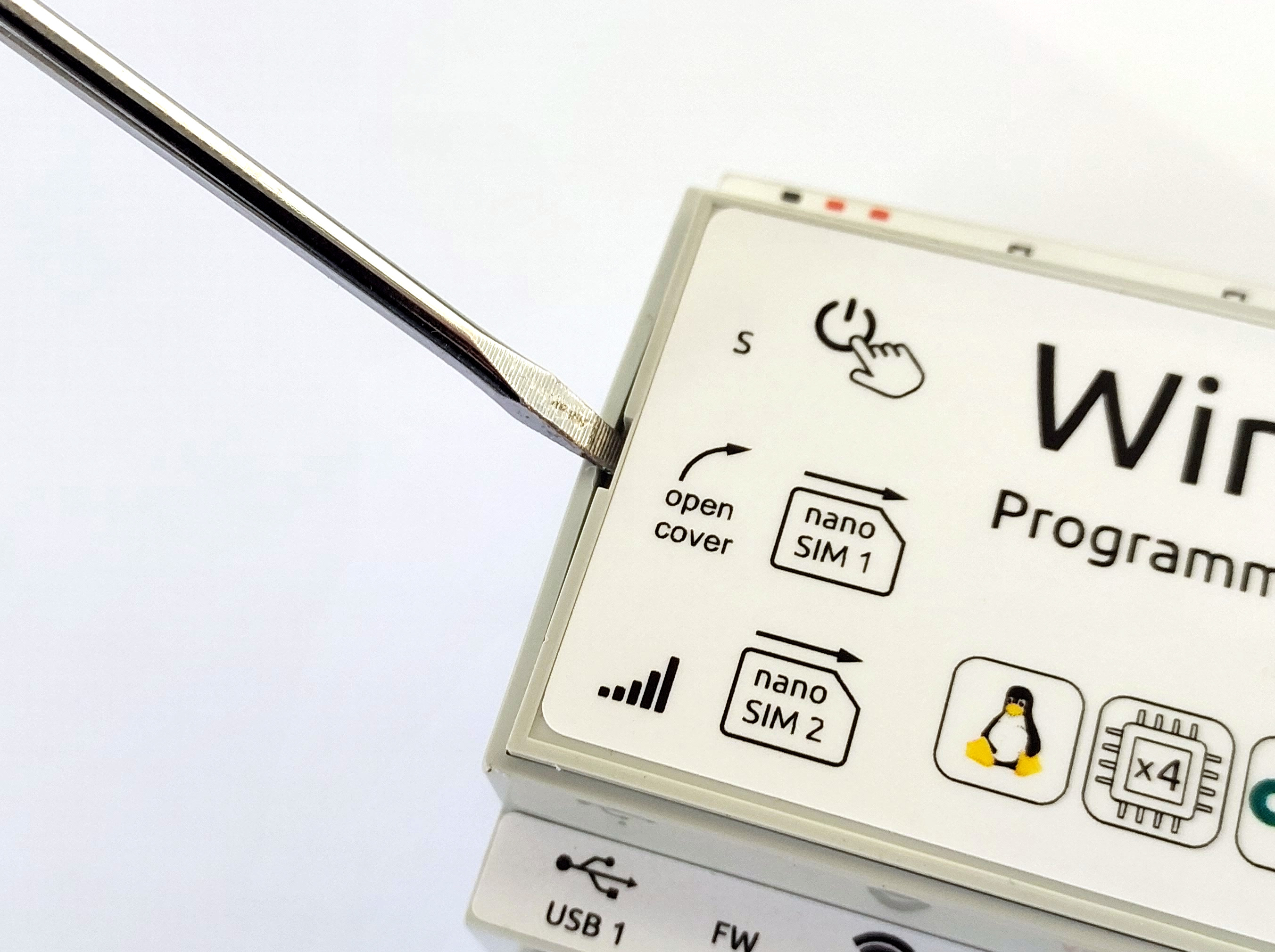
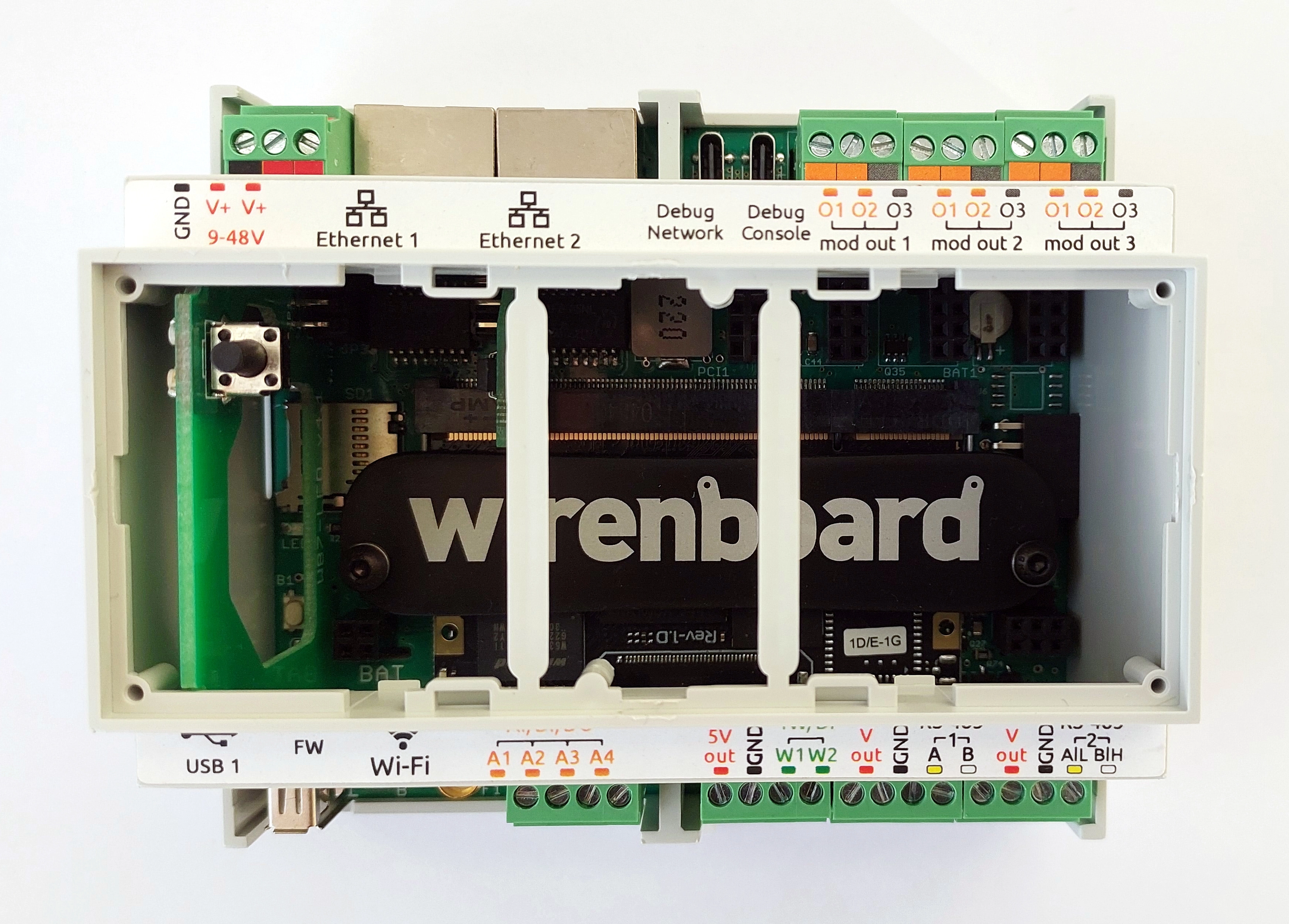
The top cover must be removed to install a SIM card in the GSM module. Four clips around the enclosure hold it in place.
Removal
- Place the controller face up.
- Release the cover clips with a flat-blade screwdriver.
- Remove the cover.
Installation
- Place the controller face up.
- Guide the power switch through its opening in the cover.
- Carefully engage all clips.